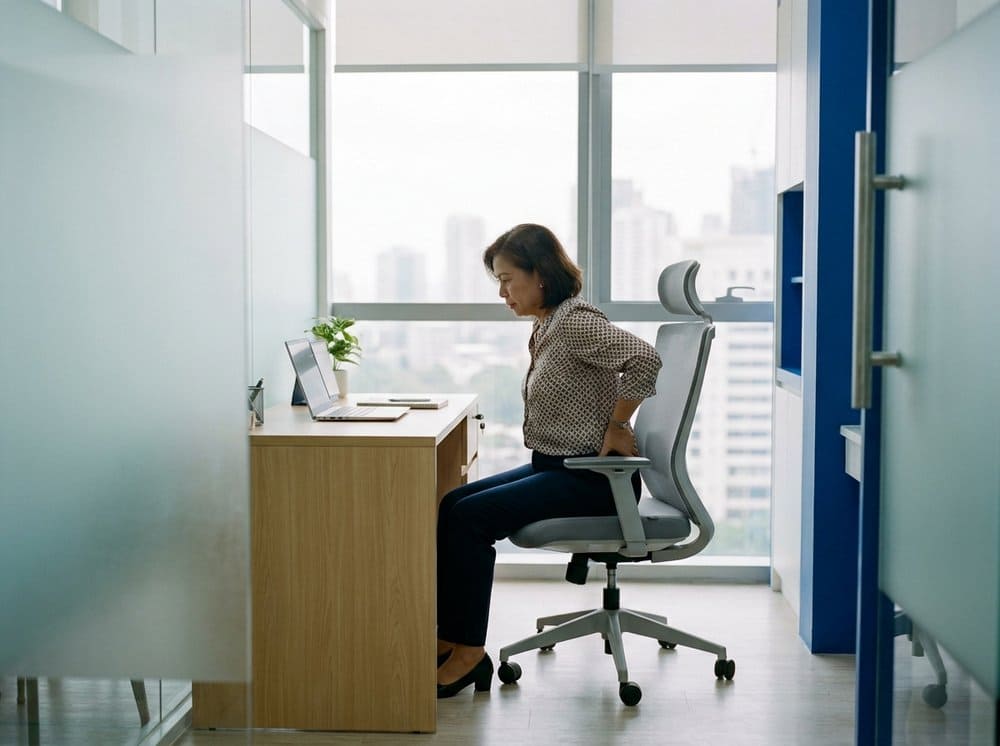
A human head weighs roughly five kilograms when it sits directly over the shoulders. Tilt that head forward by thirty degrees to look down at a laptop on a dining table, and the effective load on the cervical spine climbs to around eighteen kilograms — as if you had strapped a toddler to the back of your neck and asked your trapezius and levator scapulae to hold her there for eight hours. This is not a complicated biomechanical concept, but it is the single most important thing to understand about office-related neck pain. The pain is not random; it is the predictable consequence of a physical load that exceeds what the tissues were designed to tolerate.
The good news is that the load is modifiable. Four setup changes, one break habit, and three short stretches interrupt almost all of the pattern. We teach this exact protocol to every corporate-client patient who arrives in our clinic with what they call "just office neck" — usually after ignoring it for a year or two. If you are also dealing with knee or lower-limb stiffness from the same desk, pair this with our daily movement routine for arthritic knees, because the chair that wrecks your neck is usually the same chair that stiffens your knees.
Setup change 1 — Screen at eye level
The top edge of your monitor should sit at roughly the same height as your eyes when you are looking straight ahead. Your gaze, looking at normal reading distance on the screen, should fall naturally to a point about fifteen to twenty degrees below horizontal. If your monitor sits below this — as almost every laptop does on every flat desk in the world — your head will tilt forward to read it, and you will spend eight hours in the position that produces the eighteen-kilogram load.
The fix is a laptop stand or a stack of hardcover books. It does not need to be expensive. A ₱600 aluminium stand from Shopee, combined with an external keyboard and mouse, solves the problem entirely. If you use a desktop monitor, the stand it came with is usually tall enough; if it is not, VESA-mount arms are inexpensive.
Setup change 2 — Chair depth: the two-finger rule
When you sit all the way back in your chair, you should be able to fit two or three fingers between the edge of the seat and the back of your knees. If the seat is deeper than this, your feet will dangle or slide forward, which pulls you out of the backrest and makes the lumbar spine carry load that should be distributed across the pelvis and the chair. If the seat is shallower, the chair will not support your thighs.
Most office chairs have a slide adjustment underneath the seat pan for exactly this reason. Find it and use it. If your chair does not adjust and is too deep, a small firm cushion against the backrest is an effective workaround.
Setup change 3 — Elbows at 90 degrees
Your forearms should rest roughly parallel to the floor when your fingers are on the keys. If your keyboard is too high, your shoulders will shrug upward all day — a sustained contraction of the upper trapezius that is the single most common source of referred neck pain. If the keyboard is too low, your wrists will extend to compensate, which is how you get the second-most-common complaint, the one that travels down the arm.
The correct keyboard height is a function of your chair height, your desk height, and the length of your forearms. Most desks are ten to fifteen millimetres too tall for someone of average Philippine height (1.55–1.70 m). A keyboard tray that slides under the desk, or simply raising the chair and adding a footrest so your feet still touch something solid, both fix the geometry.
Setup change 4 — Feet flat, or on a footrest
Feet dangling, feet tucked under the chair, or one foot folded up on the seat are all patterns we see daily. Each one asymmetrically loads the pelvis, which propagates up the spine. Flat feet on the floor, or flat on a footrest if the floor is too far away, is what the lower half of the body needs for the upper half to sit straight.
The break habit — 20/20/20
Every twenty minutes, look at something at least twenty feet away for at least twenty seconds. This is from the American Academy of Ophthalmology guidance for digital eye strain, and the benefit is not only ocular — the micro-reset also means you straighten up, unshrug your shoulders, and breathe more deeply than you have been for the previous nineteen minutes. Patients who set a phone timer and actually do this report a dramatic reduction in end-of-day neck pain inside a fortnight.
"The posture most associated with neck pain is not a bad posture. It is a sustained posture — any posture — held for too long."
The three stretches that matter
Chin tucks (10 repetitions, 3 times per day)
Sitting or standing tall, gently retract your chin straight back — as if making a double chin — without tilting the head up or down. Hold for five seconds, release. You should feel a stretch along the back of the neck and a gentle contraction of the deep neck flexors at the front. This reverses the forward-head posture that desk work builds up.
Scalene stretch (30 seconds per side, twice a day)
Sit tall. Place your right hand under your right thigh (this anchors the shoulder down). Tilt your head to the left, gently, until you feel a stretch along the right side of your neck. Tuck your chin slightly and rotate your nose toward the left shoulder to target different fibres. Breathe. Release, switch sides. The scalenes are prime suspects in anyone who reports "neck pain that radiates into the arm."
Levator scapulae release (30 seconds per side, twice a day)
Sit tall. Raise your right arm overhead and rest your right hand on the back of your head. Gently pull your head down and forward into your right armpit, rotating to look toward your right armpit. You will feel a strong stretch from the base of the neck to the upper shoulder blade on the opposite side. This is the muscle that does most of the "holding the head up" work in a slouched desk posture, and releasing it is often the difference between a tight Friday afternoon and a manageable one.
When stretches are not enough
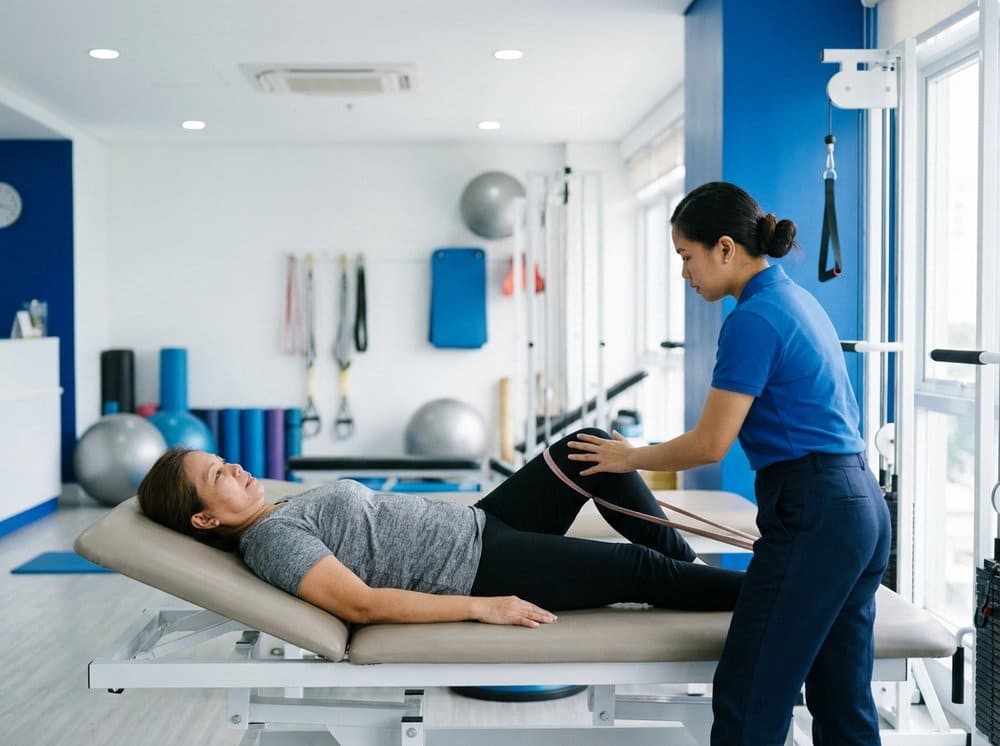
If your neck pain is waking you at night, radiating past the elbow, associated with tingling or weakness in the hand, or accompanied by headaches that start at the base of the skull and climb forward, the problem has moved past ergonomics. Book a physiotherapy assessment — our physical rehabilitation team performs a structured cervical-spine evaluation that distinguishes muscular referred pain from cervical radiculopathy, and treatment diverges sharply depending on which is which. For some patients, the answer is also a specialist review and, occasionally, an image-guided injection of a facet joint or nerve root. Our post-injury rehab track covers the next step if imaging shows a disc or facet contribution. But for most desk workers, the ergonomics and stretches above are enough — if they are actually done.